
Cableguys ShaperBox pros and cons (my honest review)
I use ShaperBox 3 in almost all of my productions. Here’s everything you need to know about it from my experience over the past few years

Cableguys ShaperBox is one of those plugins that I genuinely can’t imagine producing music without. I’ve been using it in my tracks since I first started making music back in 2022, and I honestly can’t think of a single release where it hasn’t been used in some way.
Show table of contents Hide table of contents
So, what are the real pros and cons of ShaperBox — and is it actually worth the money? In this ShaperBox review, I’ll break down how I personally use it, the main strengths and drawbacks you should know about, and my honest verdict after having used it consistently over the past few years.
What is Cableguys ShaperBox?
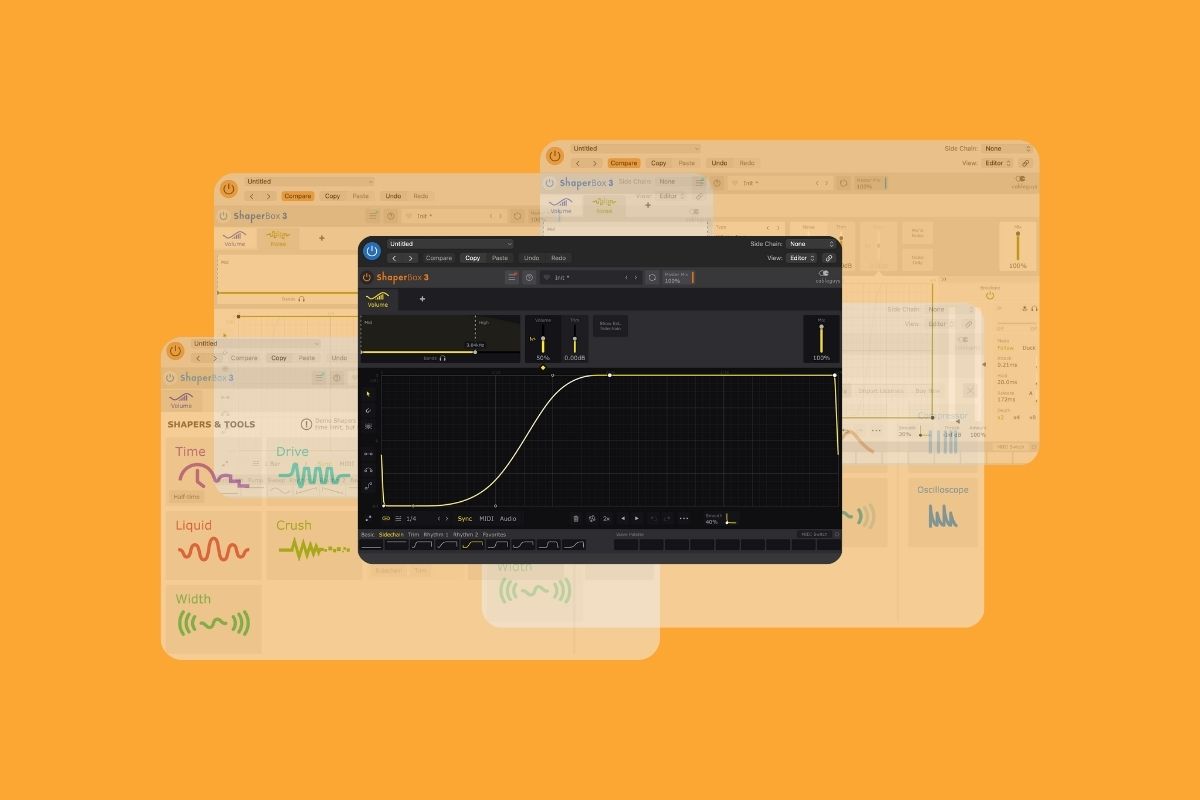
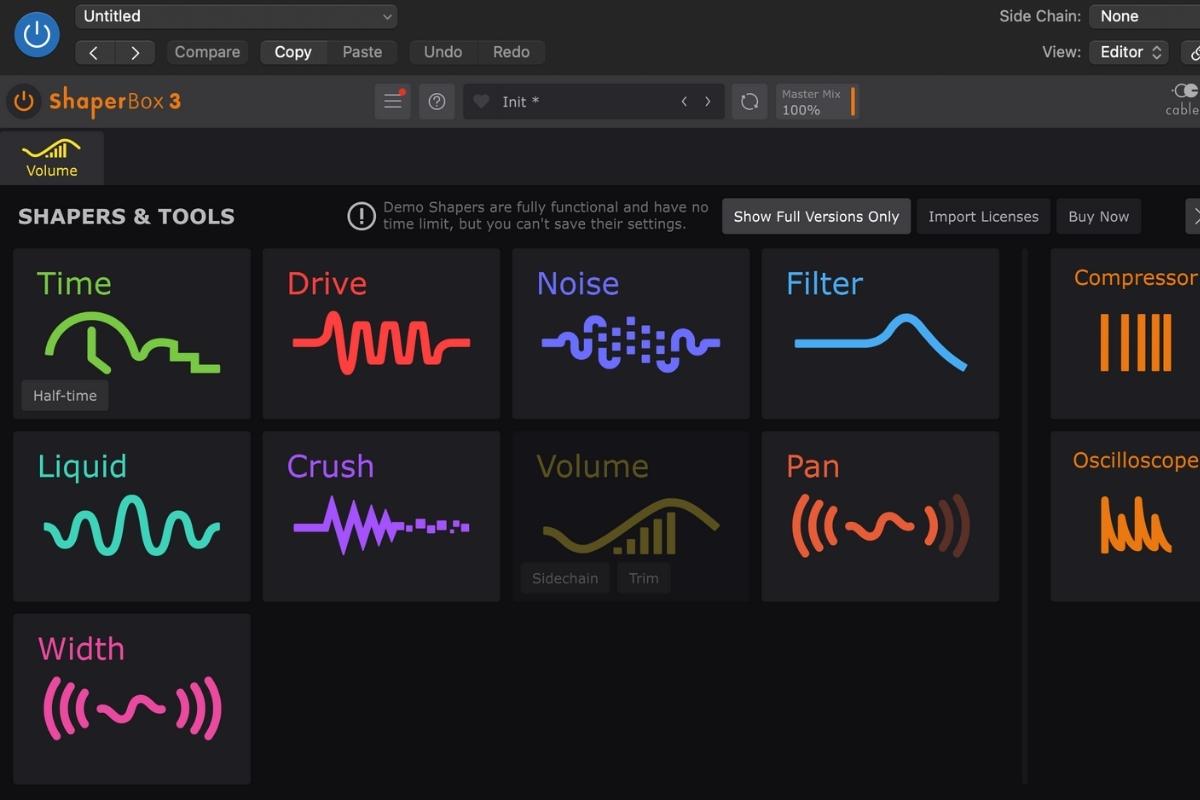
ShaperBox by Cableguys is actually a collection of different “shaper” tools in one plugin. There are various “shapers” to choose from, including “VolumeShaper”, “FilterShaper” and “NoiseShaper”. Other tools include distortion, panning, width and reverb.
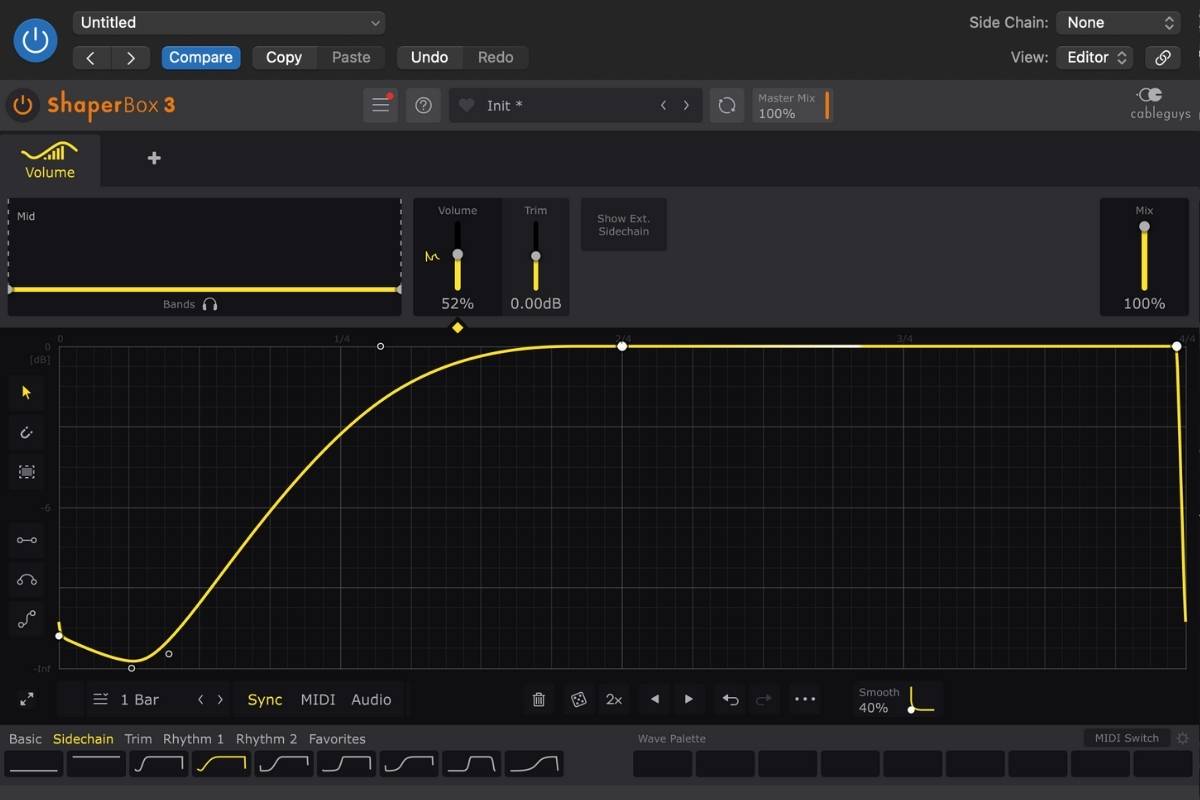
What makes it different to traditional compressors is that it is designed to help you shape how sounds behave over time. It uses volume and modulation shaping rather than reactive compression, and it lets you draw precise rhythmic curves that are visually represented and easy to understand.
I personally see ShaperBox as more of a creative tool than a technical one. Yes, it is great for sidechaining your bass with your kick, but it’s also a space to experiment and create new sounds.
How I actually use ShaperBox in my productions
I first found out about ShaperBox when I took Kygo’s music production course on Studio.com. I was completely new to music production and had no idea what sidechaining was. In the course, Kygo showed that he was using VolumeShaper as the main method of sidechaining the bass elements to the kick drum in his tracks. And because it looked so easy to use, I bought it and I haven’t looked back.
I use VolumeShaper in every single song I make. It makes sidechaining your kick to your bass so easy, because you can simply select one of the sidechain presets or draw your own — and you’re done.

After initially having started with only VolumeShaper, I later upgraded to the full ShaperBox package which includes all of the tools.
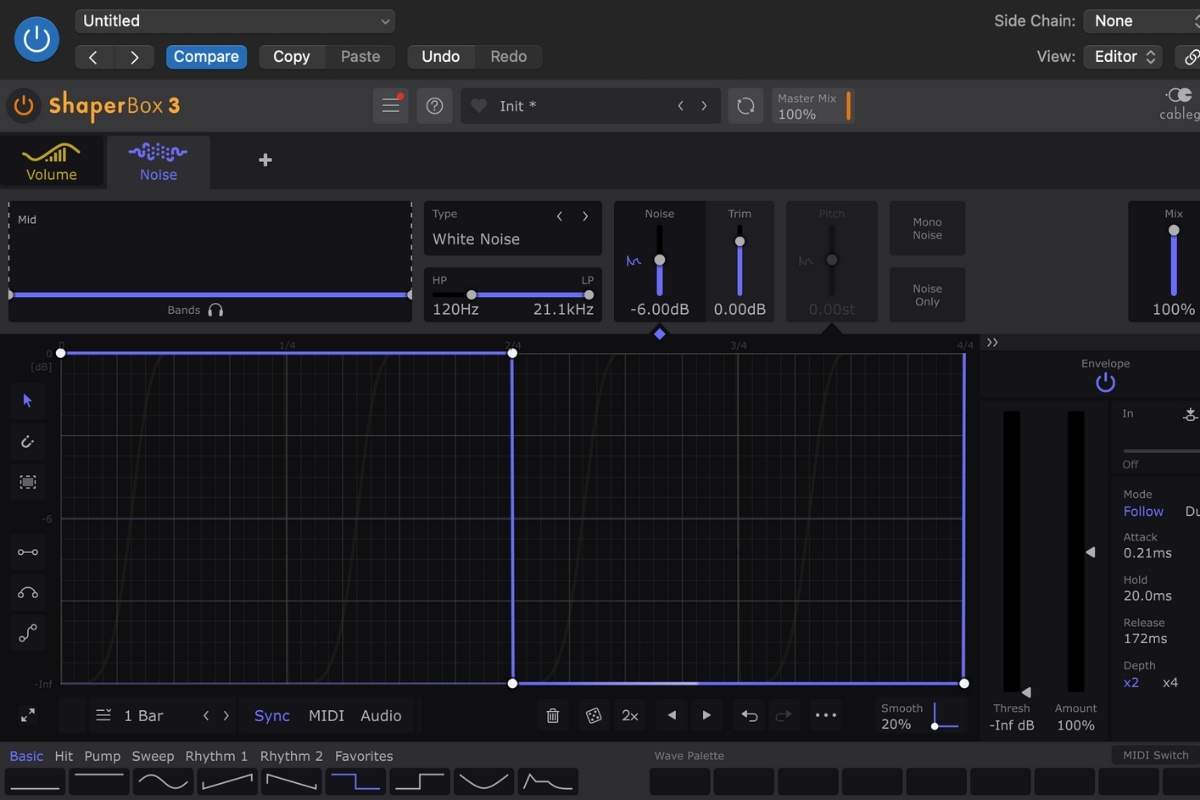
I use so many of them so often that ShaperBox is probably the best value I’ve ever got out of a DAW plugin. I use the Noise tool to add subtle hits of white noise to my tracks, and I also regularly use the Width tool to place specific elements in different positions within the stereo field. The Pan tool is also really useful for percussive elements.
ShaperBox pros (what I love about it)
- It’s easy to use once you understand it — sidechaining is genuinely simple and much faster than using a compressor. I have never used a “traditional” compressor for sidechaining because I bought VolumeShaper so early on.
- Excellent visual interface — being able to see exactly what’s happening makes it easy to get to grips with. I’ve found the visual interface to be very intuitive.
- Multiple tools in one plugin bundle — I started out with VolumeShaper only but now use all of the tools in the ShaperBox bundle regularly, including pan, width and noise.
- Used by professionals — I found out about VolumeShaper because it was mentioned by Kygo in his music production course. It’s trusted by many pros.
- Can be used creatively with ease — it’s easy to move beyond simple technical implementations such as sidechaining and use it as a creative tool that you can experiment with.
ShaperBox cons (things to know before buying)
- Learning curve at the beginning — while it is easy to use overall, it does take a bit of time to understand how the interface works. That being said, I feel that it’s very intuitive overall.
- Easy to overuse — I have definitely been guilty of overusing ShaperBox on my tracks. Because it’s so easy to use, it can be tempting to overdo it and put it on (almost) everything. Over time, you’ll develop a better feel for how to use it to best complement your tracks.
- Best value comes from full bundle — Although I started out with only VolumeShaper, I feel that the best value comes from having all of the tools in one plugin. The tools are all great, but you do need to buy the full bundle to have access to them.
Is ShaperBox worth it?
Yes. ShaperBox is one of those plugins, like U-he Diva, that I honestly can’t imagine producing music without. It’s so easy to use and I feel that the visual interface actually helps you to understand how sidechaining and other effects work better than traditional compressors.
The one-off cost of the bundle has been so worth it for me because I’ve used it so much — and I can’t imagine not using it for my future tracks. It’s really that important to my creative process.
When ShaperBox is (and isn’t) worth buying
ShaperBox is one of my favourite and most used tools, but like with all plugins, it may not be for everyone.
In my opinion, ShaperBox is worth buying if:
- You produce electronic music or other modern genres
- You want easy and clean sidechaining without using traditional compressors
- You respond better to visual, hands-on tools (for example, compared to conventional compressors which are generally less visual)
- You want to experiment creatively using the shaper tools
ShaperBox may not be for you if:
- You don’t use sidechaining much in your productions
- You prefer the look and feel of traditional compressors
- You’re on a tight budget and can make do with your DAW’s built-in tools for now

Where can you buy ShaperBox and how much does it cost?
You can buy ShaperBox from the official Cableguys website. It’s also available to buy from other online plugin stores.
At the time of writing this article, Cableguys ShaperBox 3 costs about $99 / £89 from Plugin Boutique.
Some online stores such as Plugin Boutique will run sales and discounts from time to time, so it’s definitely worth checking the price there and on other online stores.
My final verdict on ShaperBox
I honestly can’t imagine creating music without using ShaperBox. It’s one of the most important plugins in my creative process and I continue to use it in all of my productions.
Since having upgraded to the full ShaperBox bundle, it has developed from more than just a sidechain plugin into a creative tool that has helped me to develop my sound while influencing my creative direction.
If you’re new to music production, I cannot recommend it enough as a tool to help you quickly pick up the basics of sidechaining. And if you’re a more experienced producer, it can develop into an important creative tool to help you shape and develop your sound.