
Waves CLA Guitars pros and cons (my honest review)
Is Waves CLA Guitars a plugin worth buying? Here’s what you need to know from my experience as an electronic music producer

Is Waves CLA Guitars worth buying if you’re an electronic music producer? In this review, I break down what you need to know based on my own experience of using the popular plugin over the past few years.
Show table of contents Hide table of contents
I’ll cover the main pros and cons of CLA Guitars, how I actually use it in my own productions, and whether it’s still a plugin that’s worth considering today.
Quick verdict
Waves CLA Guitars is a great option if you want a fast and easy way to improve guitar sounds without building complex chains. If you’re looking for more advanced control, it may feel limited. For me, it’s a go-to plugin for enhancing guitar VSTs and samples in my electronic music tracks because it’s so quick and simple.
Waves CLA Guitars — introduction
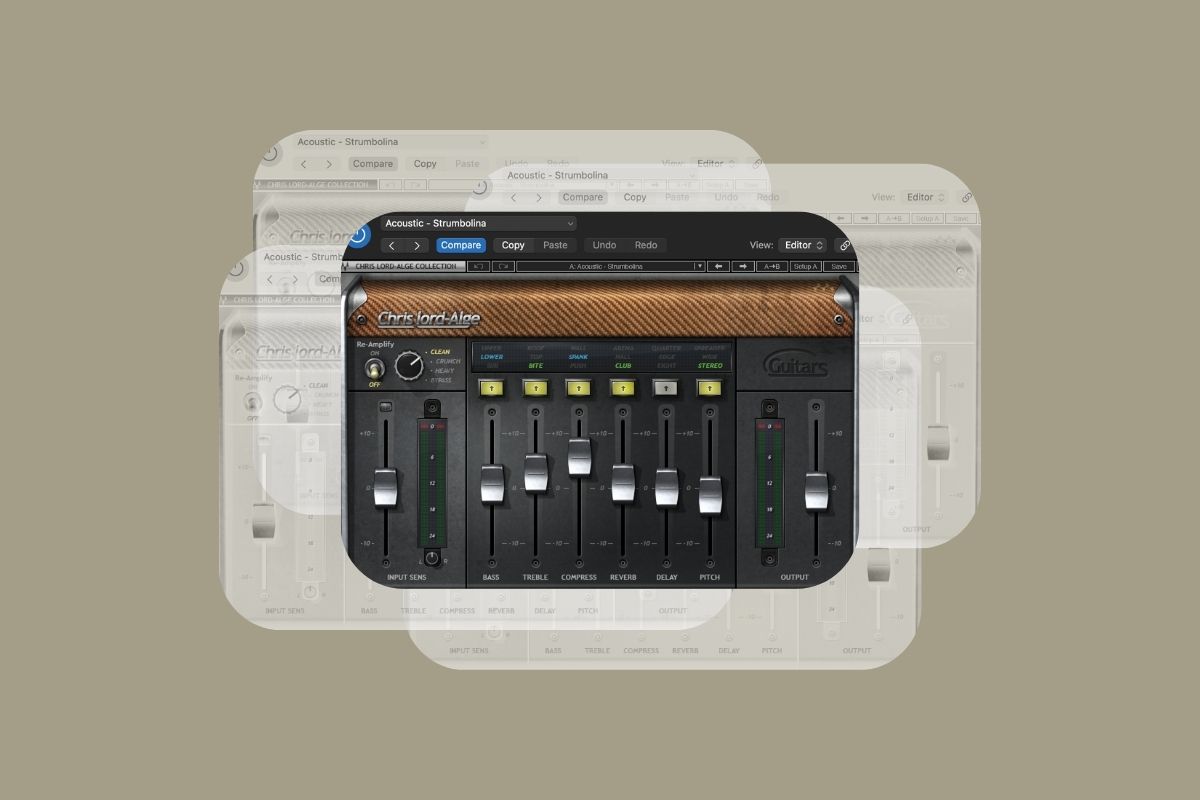
Waves CLA Guitars is a guitar processing plugin created in collaboration with the legendary mix engineer Chris Lord-Alge. Like other plugins in the Waves CLA series such as CLA Vocals, it’s really made for speed and simplicity rather than deep technical control.
Instead of building complex guitar chains from scratch, CLA Guitars lets you quickly shape and enhance guitar sounds using a small number of straightforward controls. The idea is to help guitars sound more polished and sit better in the mix without needing to think too much about the technical details.
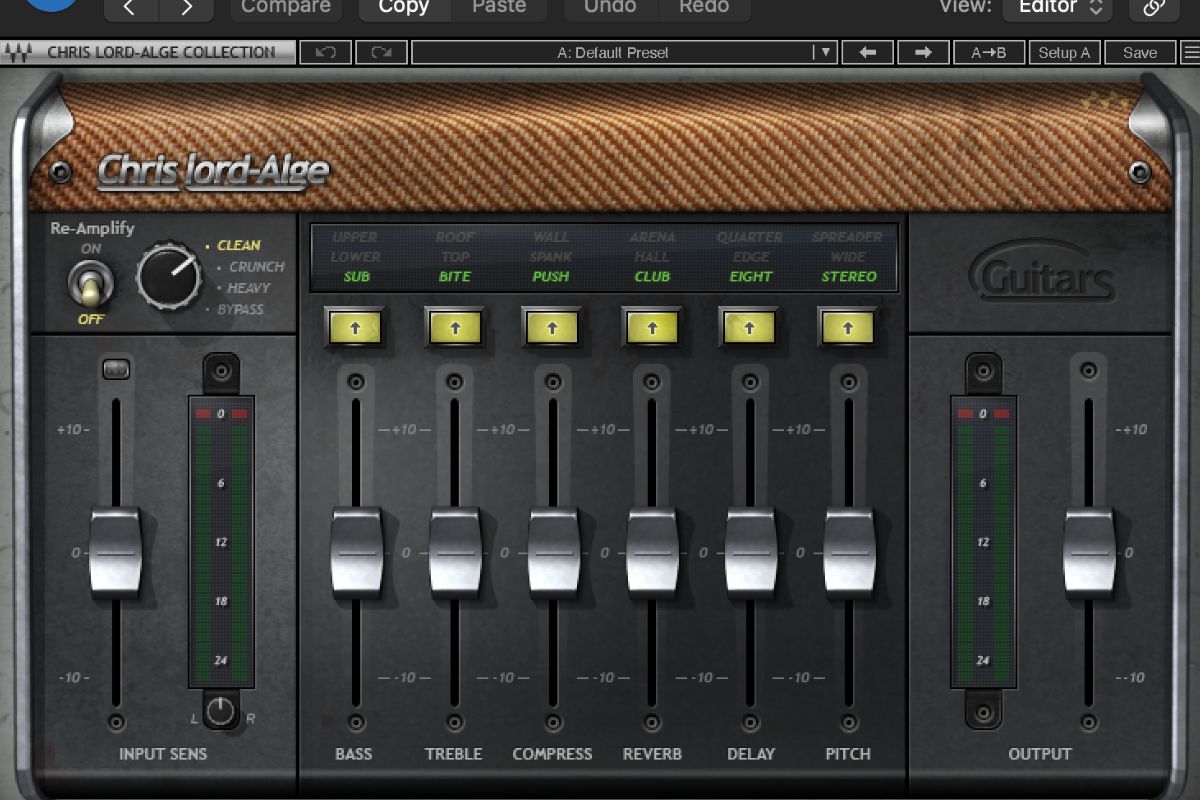
CLA Guitars uses a simple, fader-based interface — the six faders are used to control bass, treble, compression, reverb, delay, and pitch. The stripped-back interface makes it easy to dial in your sound quickly without getting lost in technical details, especially when using one of the included presets as a starting point.
As a producer who mainly makes electronic and melodic house music, I use CLA Guitars with VST guitars and guitar samples rather than real guitars. It’s a fast and easy way to improve guitar sounds in electronic music, especially when you want to move quickly and keep your creative flow.
The pros
- Easy to use — The plugin uses simple faders instead of complex amp sims or effect chains. It also comes with some great presets that I often lean on, so you can “set it and forget it.” It’s very beginner friendly.
- Fast workflow — It’s quick to set up and tweak, which is ideal when you want to improve a guitar sound quickly and keep your creative momentum.
- Great for VST guitars and samples — Especially Splice samples or MIDI guitars that need help sitting in a mix.
- Good for electronic music — I was introduced to CLA Guitars during Kygo’s electronic music course. It helps guitars feel more polished in EDM and house music.
- Lightweight and good value for money — It doesn’t slow my computer down with heavy CPU usage and is available for a reasonable one-off cost.
The cons
- Limited control — There is no deep amp modelling or detailed effect parameters. Its fader interface is great for simplicity but may feel limited for advanced producers.
- Not ideal for advanced guitarists or engineers — If you’re an advanced producer or engineer, you may want more control over tone shaping.
- Can feel a bit basic — Once you’re comfortable building your own guitar chains, CLA Guitars may feel a bit too simplistic. That said, I continue to use it in my productions as it’s so fast and easy.
How I use CLA Guitars
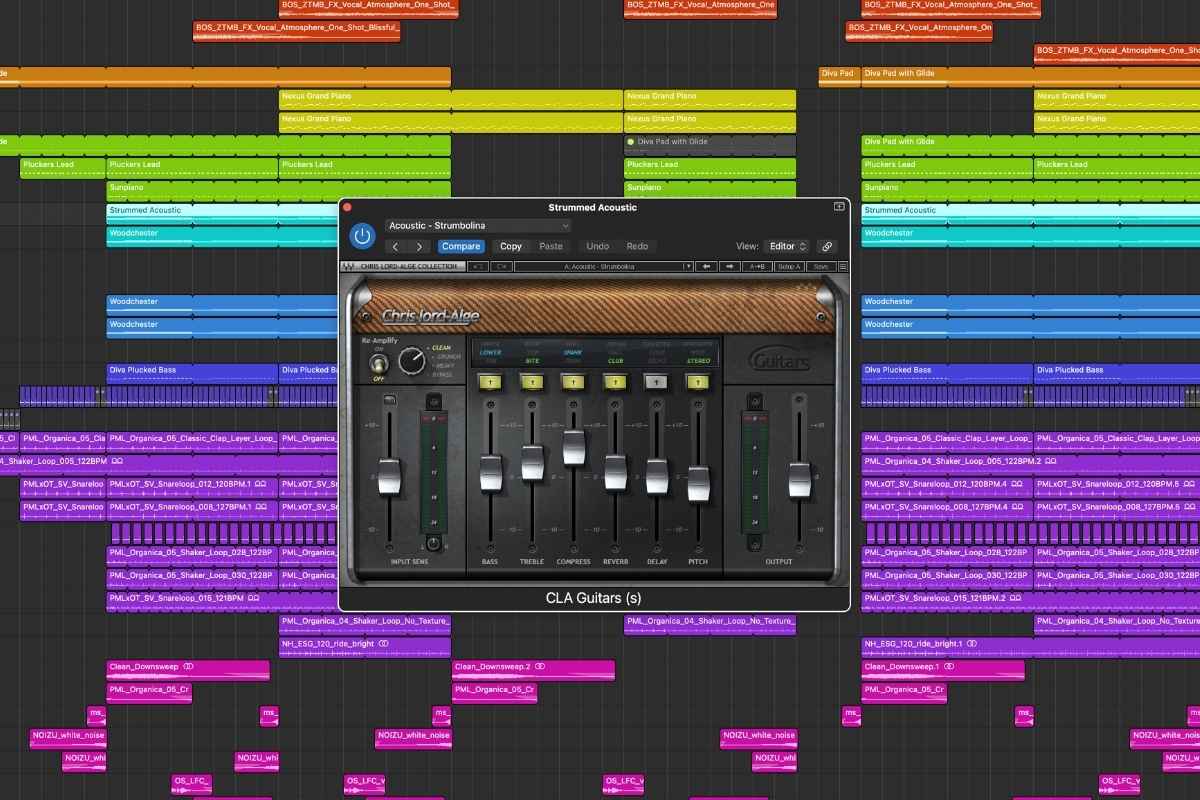
I first bought both Waves CLA Guitars and CLA Vocals when I took Kygo’s electronic music production class on Studio.com. He demonstrated how it could be used to quickly improve the sound of a VST acoustic guitar (he was using Native Instruments’ Session Guitarist — Strummed Acoustic, in case you’re wondering!) which is what led me to buy it.
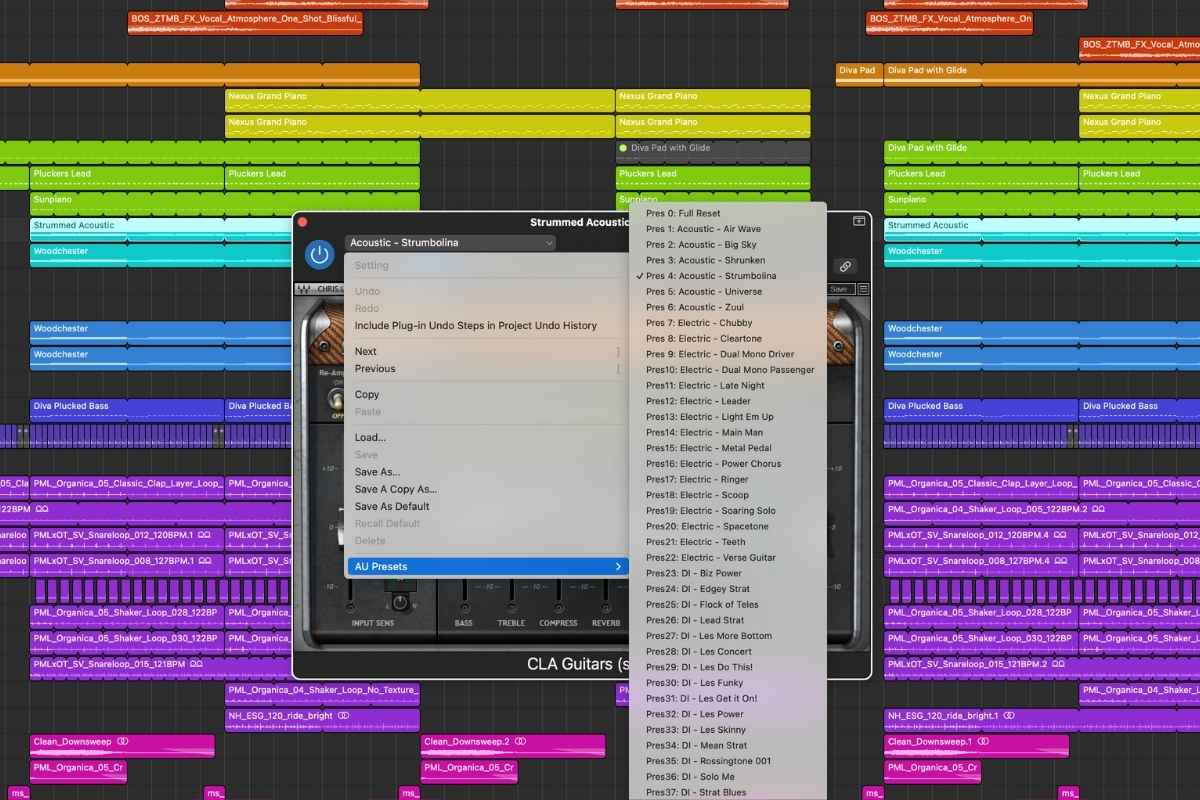
In my own productions, I use CLA Guitars with VST guitars and guitar samples. I’ve never used it in a live guitar recording setup, so I can’t speak to that side of things, but as a simple plugin to enhance digital guitar sounds in electronic music productions, it works really well. It comes with a nice selection of preset settings, which I often start with and then tweak from there. For example, I’ll often use the “Strumbolina” preset for acoustic guitar sounds.
I tend to use CLA Guitars when I want to quickly improve a guitar sound and help it sit better in the mix, without overthinking the process. When I use guitars in my tracks, it’s a great tool for helping them to sound polished without taking over the mix. Overall, I use it as a fast, intuitive enhancement tool rather than a detailed guitar sound design plugin.
Price and where to buy
You can buy all of the plugins made by Waves on the official website. I also recommend checking out Plugin Boutique as an alternative, because they offer an excellent selection of plugins and VSTs and often run offers and discounts.
Plugin Boutique also have a “Virtual Cash” reward scheme which can earn you money off future purchases. If you’re thinking of buying CLA Guitars, you can check the price on Plugin Boutique here.
My final thoughts
That brings us to the end of my review of Waves CLA Guitars. Overall, I think it’s a great plugin if you’re looking for a quick and easy way to improve guitar sounds without building complex chains.
For me, the fact that it is so fast and easy to use makes it my go-to plugin for guitar sounds in my electronic music tracks. I can’t speak of how good it is for live guitars, but for electronic music producers working with VST guitars and samples, it does a good job of instantly helping guitars sit nicely in the mix and sound more polished.
That said, if you’re a more advanced producer and need more control over the parameters, it may not be the right option for you, as it could feel a bit limited. However, I continue to use it to this day because of how quick and easy it is, and I think it offers good value for money, especially if you can pick it up on sale.