
Best plugins for melodic house music production in 2026
Here’s my ultimate list of the four top VSTs and plugins I use for making melodic house in 2026 — and why I’d buy them all again

We’ve all been there — spending hours scrolling through presets only to find that our tracks still feel “digital” or flat. I’ve found that when it comes to making melodic house music, the secret isn’t in how many plugins you own or use — but in how you work with movement and warmth.
Show table of contents Hide table of contents
I’ve been producing melodic house music for the past few years and in this article, I’m going to break down the four plugins that make it into nearly every one of my melodic house projects.
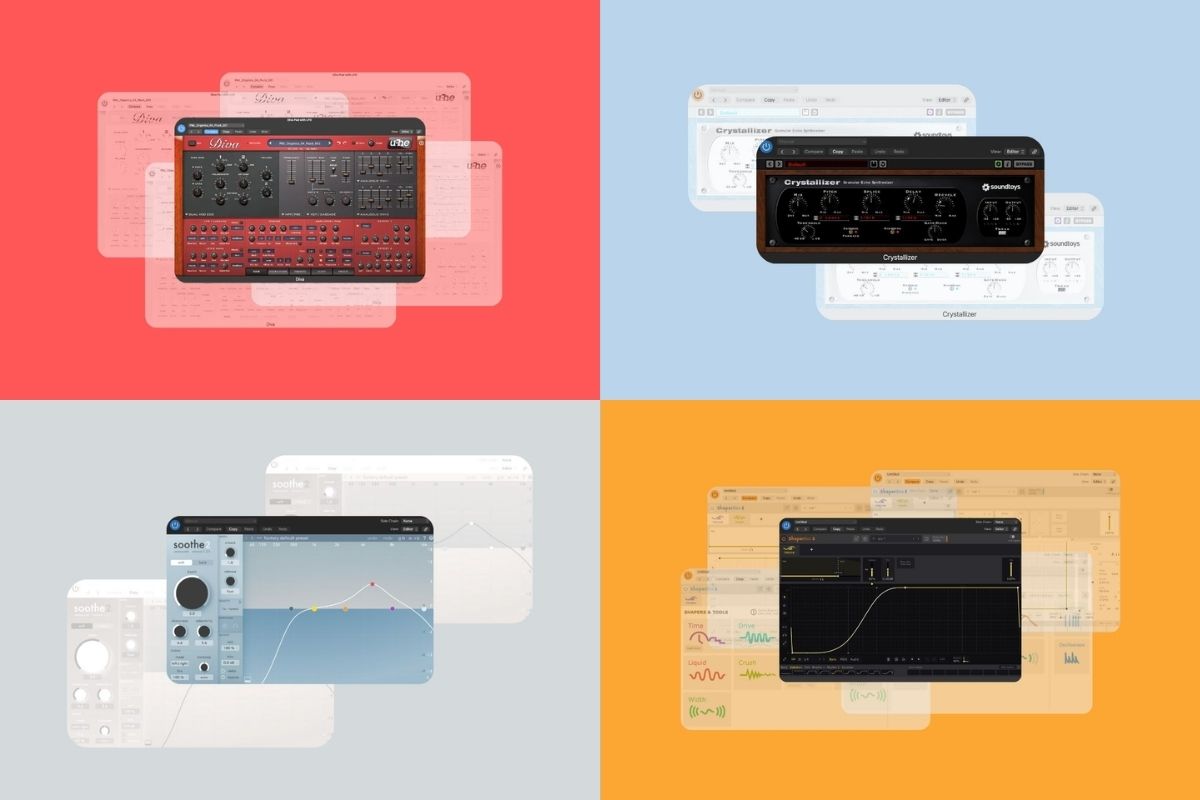
Quick summary of my plugin picks
Below is a quick overview of the best plugins for melodic house producers that I personally use in most of my tracks. These are the tools I rely on for warmth, movement, sound design, and polish — with more detail on each one further down the page.
| Plugin | Summary | Where to buy |
|---|---|---|
U-he Diva
|
My go-to synth for creating warm melodic house leads and song-shaping plucks. |
Check price
at pluginboutique.com
|
Cableguys ShaperBox 3
|
My number one tool for sidechain and bringing static sounds to life. |
Check price
at pluginboutique.com
|
Soundtoys Crystallizer
|
My favourite way to create shimmering delays and ethereal textures. |
Check price
at pluginboutique.com
|
oeksound Soothe2
|
My top tool for taming harsh plucks and leads, and making space in the mix. |
Check price
at oeksound.com
|
U-he Diva: My top choice for authentic analogue warmth
Where to buy: pluginboutique.com
U-he Diva is central to the melodic house music I produce. I first came across Diva while taking Ben Böhmer’s video class at Production Music Live and immediately fell in love with its warm analogue-style sound. It’s an amazing VST that I now use in nearly all of my productions.
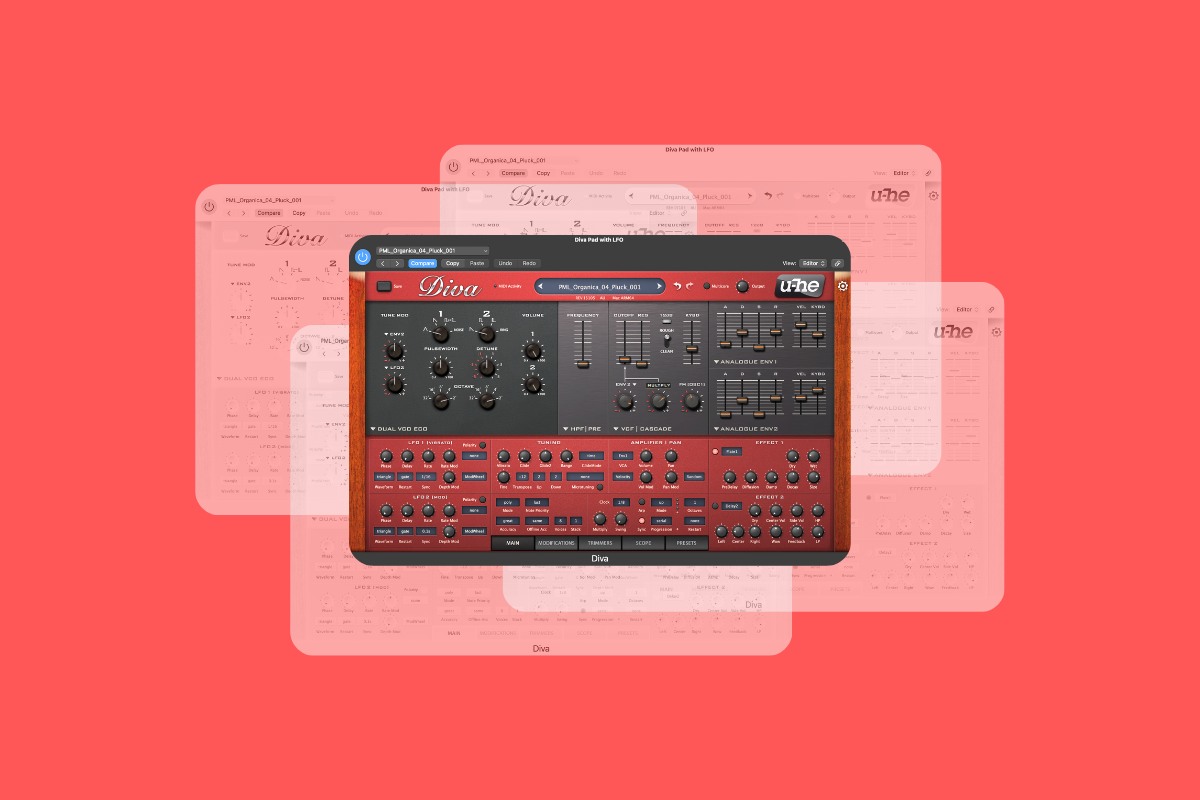
What I use U-he Diva for in my projects
I mainly use Diva for:
- Main melodic leads and arps, including plucks
- Warm analogue-style pads
- Supporting sounds that add depth and warmth
What I’ve learnt from using Diva
Diva is a special plugin with a really unique and distinctive sound. It comes with a wonderful range of presets to get you started, but if you’re willing to put in the time, you can use it to start your own sound-design journey.
What I like about Diva is that it can be as simple or as complex as you want it to be. If you’re just starting out, you can use some of the bundled presets and tweak from there. If you’re more comfortable with sound design, it’s well worth putting in the time to learn how Diva works so you can create your own unique sounds.
Why I’d buy it again
Diva is simply one of those plugins that I can’t see myself producing music without. It has completely transformed my sound and if I were to go back and have the chance to buy it again, I would do it without a second thought. It’s been around for years and continues to be one of the go-to plugins for creating that authentic, warm and expressive melodic house sound.
Cableguys ShaperBox 3: Bring static sounds to life
Where to buy: pluginboutique.com
I use Cableguys ShaperBox for sidechain compression, movement, and much more. It’s another plugin that I can’t imagine producing my tracks without. It was one of the first plugins I ever purchased when I started my music production journey, and I don’t think I’ve released a single track that hasn’t used ShaperBox in some capacity. It can act as an amazing visual sidechain compressor to help you blend your bass with your kick — but it’s also capable of far more than that.
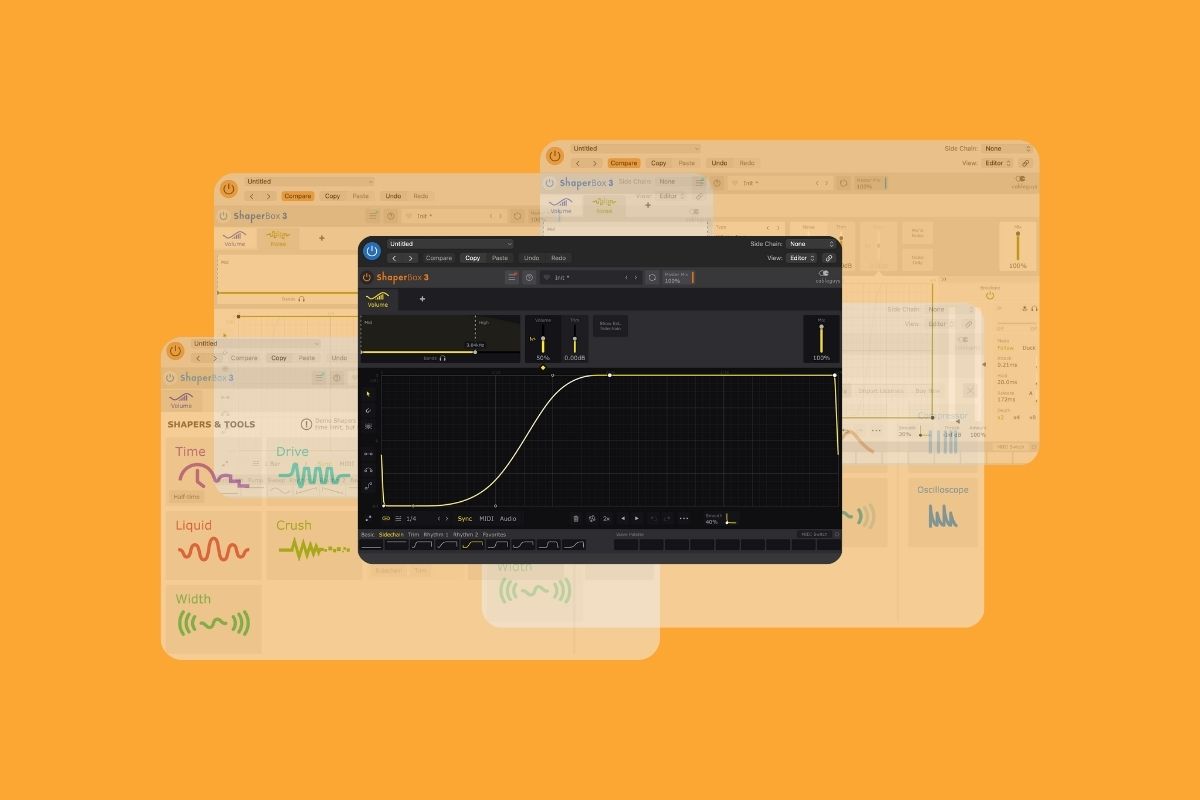
What I use ShaperBox for in my projects
I mainly use ShaperBox for:
- Easy sidechain compression
- Adding movement to static sounds (like white noise)
- Adding subtle noise effects to percussion and other elements
What I’ve learnt from using ShaperBox
I first started using ShaperBox when I had no real idea what sidechaining was. I genuinely think it’s one of the best tools for learning sidechain thanks to its intuitive, visual interface. VolumeShaper will probably be the main draw for most producers as it’s a really easy way to get to grips with sidechaining — but its usefulness goes far beyond this.
I regularly use the width and pan modules to place elements in different parts of the stereo field, and the noise module is an incredibly simple way to add subtle white noise to percussion or other elements — something that can really enhance the depth of melodic house tracks.
Why I’d buy it again
I use ShaperBox for all of my sidechaining, and believe it or not, I’ve never used a “traditional” compressor for sidechaining because I started using VolumeShaper so early in my production journey.
I initially started out with only the VolumeShaper module, but after upgrading to the full ShaperBox bundle, I now regularly use multiple modules in my productions — especially noise, pan, and width. This is another one of those plugins I genuinely can’t imagine producing without.
Soundtoys Crystallizer: Create ethereal textures
Where to buy: pluginboutique.com
Soundtoys Crystallizer is one of the newer plugins in my stack, and it’s very much something I’m still learning — but it’s already earned a place in my sound-design toolkit. I was originally inspired to try Crystallizer after seeing Ben Böhmer demonstrate it in his Production Music Live class. It’s an amazing way to create beautiful, evolving delay textures that can add depth and intrigue to otherwise regular sounds.
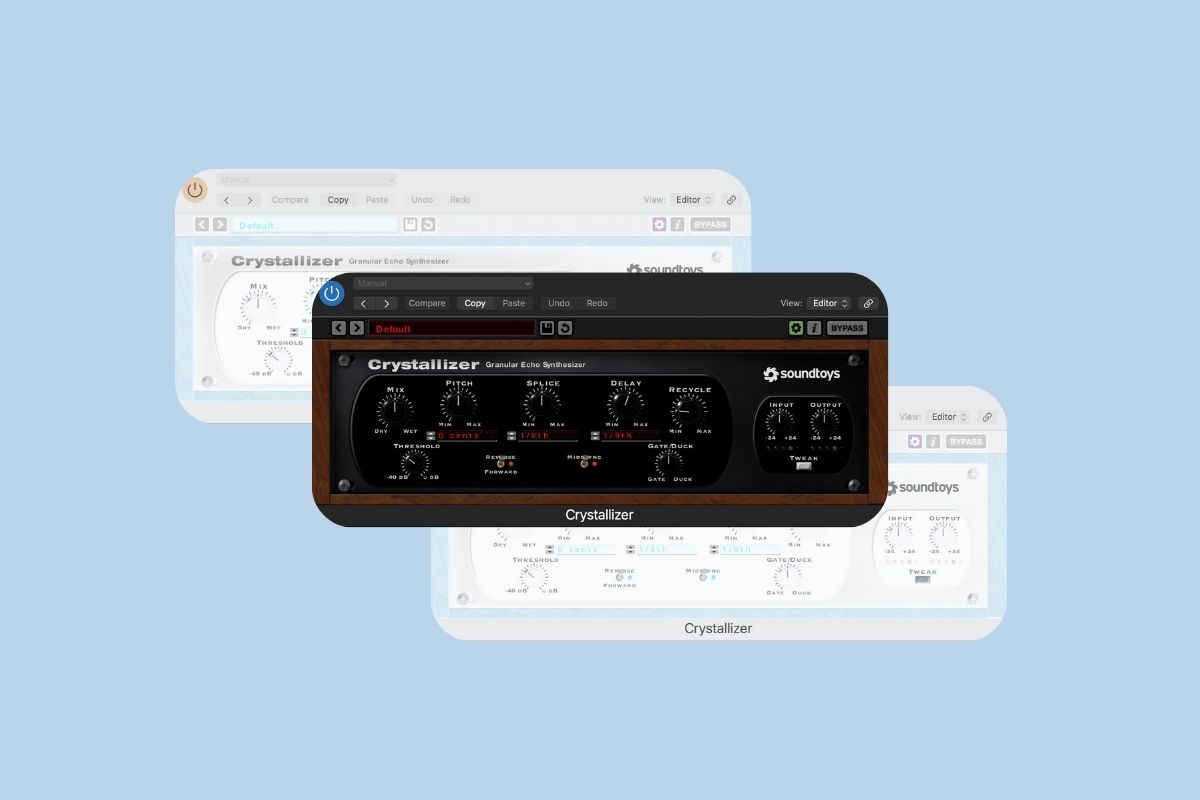
What I use Crystallizer for in my projects
I mainly use Crystallizer for:
- Creating shimmering delays and pitch-shifted echoes
- Turning simple plucks or chords into atmospheric textures
- Creating long and evolving pads and drones from a single, simple sound
What I’ve learnt from using Crystallizer
Crystallizer is a simple yet powerful plugin. I’ve learnt that it really rewards experimentation. Small tweaks to the settings like pitch, feedback, and delay time can completely transform a sound — and when you add automation into the mix, it becomes an incredible way to create unique, evolving textures for your tracks.
Why I’d buy it again
Even though it’s one of the newer plugins in my collection, Crystallizer already feels like one of those tools that will become a staple in my melodic house productions. It’s not necessarily a plugin I use on every track, but I’ve found that it’s a great tool for adding intrigue, movement, and uniqueness to a song very quickly.
Oeksound Soothe2: Add professional polish
Where to buy: oeksound.com
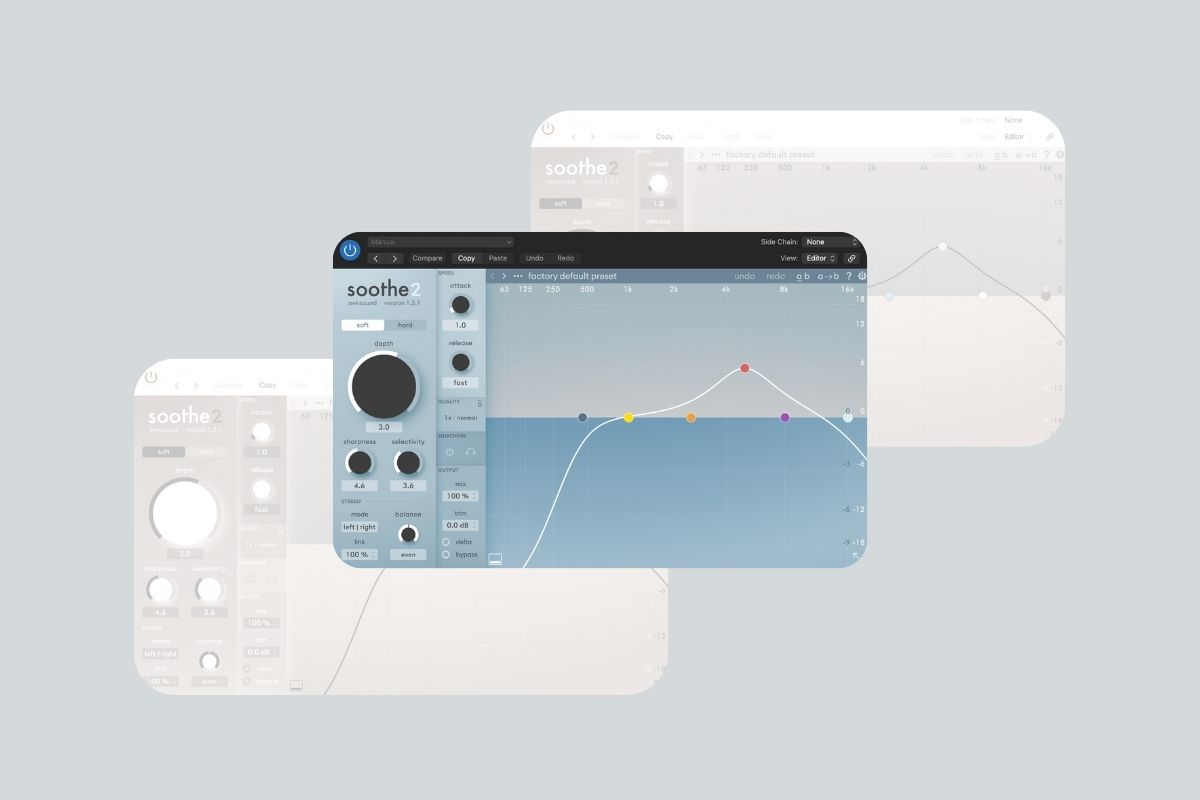
I bought Soothe2 a couple of years ago and it’s since become one of those “problem-solver” plugins that I reach for whenever something feels a little too sharp or uncomfortable in the mix. In melodic house, where bright, prominent plucks and detailed percussion are such a big part of the sound, this plugin is really useful for keeping things controlled without making them dull.
What I use Soothe2 for in my projects
I mainly use Soothe2 to:
- Tame harsh high-end in plucks and leads
- Smooth out percussion that feels too brittle or aggressive
- Create space for elements in the mix with spectral sidechain
- Control resonant frequencies without killing the character of a sound
What I’ve learnt from using Soothe2
Soothe2 isn’t a plugin I slap on everything by default — I’ve learnt that it works best when used carefully and intentionally. It’s one of those plugins that can be very tempting to overuse because it works so well (I was definitely guilty of this).
However, over time, I’ve learnt that less is often more when it comes to using Soothe2, and I mainly use it for taming sounds that are too bright and harsh in the mix. It does take a bit of time to master, but there are plenty of great tutorials on YouTube that can help you get to grips with it.
Why I’d buy it again
Soothe2 has become one of the most important tools I use when it comes to cleaning up my tracks. I reach for it in the majority of my productions to tame harsh sounds, and the spectral sidechain feature is especially useful for creating space between elements that sit in similar frequency ranges.
You can only buy Soothe2 directly from the official Oeksound website, and there’s no affiliate angle here. I’m recommending it simply because it’s a really effective plugin that helps my tracks sound smoother and more polished.
Where to buy these plugins and get the best deals
You can buy all of the plugins mentioned in this guide directly from the individual plugin manufacturers. That said, I usually recommend Plugin Boutique as a great alternative.
Plugin Boutique often runs sales, bundle deals, and discounts. They also have a “Virtual Cash” reward scheme which can earn you money off future purchases. If you’re looking to get the best value — especially when buying multiple plugins — it’s well worth checking out.
Final thoughts
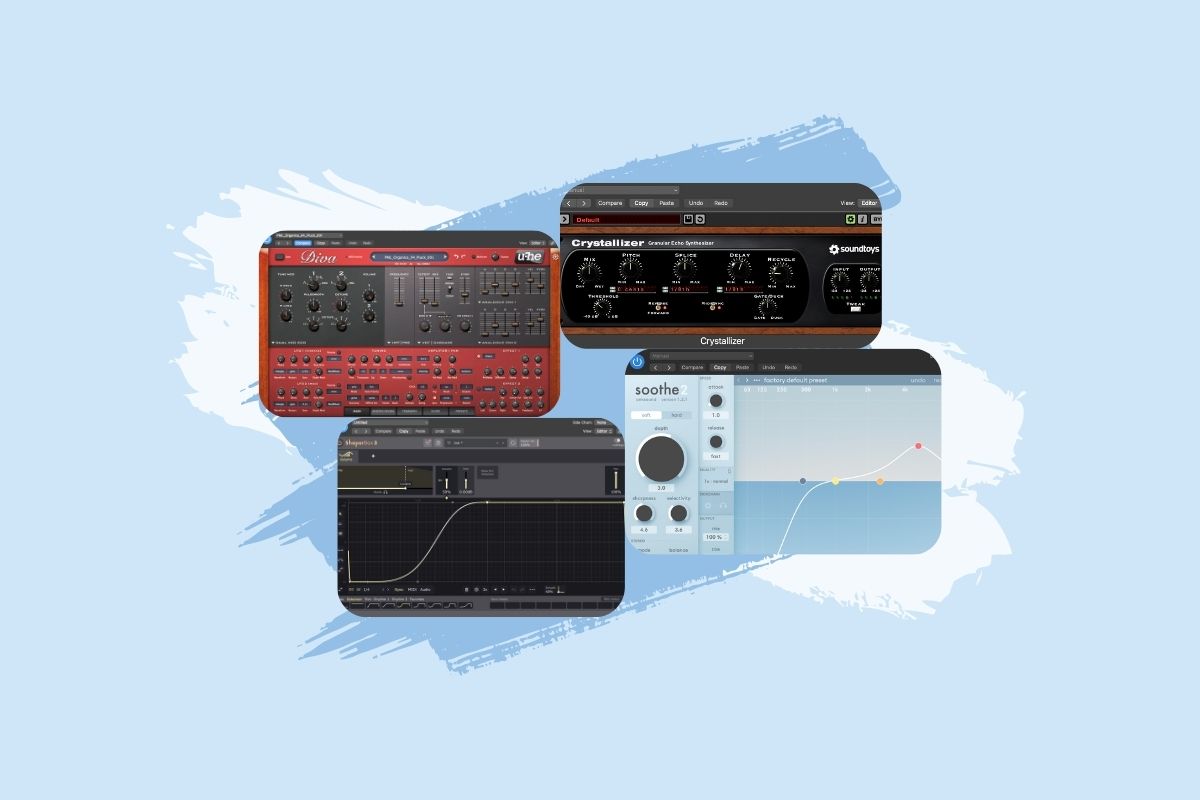
So, that brings us to the end of this guide to the best plugins and VSTs for making melodic house music. These four plugins play a huge role in my productions, and I continue to use all of them to this day.
Of course, there are countless options out there and lots that I haven’t featured on this page — but I’ve narrowed this list down to the tools I genuinely couldn’t imagine producing without, and I hope you’ve found it useful.