
U-he Diva pros and cons (is it really worth it?)
Diva has quickly become one of my go-to synths for creating melodic house music — it changed the course of my music production journey for the better

Every now and then, a plugin comes along that changes the direction of your music production journey. U-he Diva has been one of those plugins for me.
Show table of contents Hide table of contents
Diva is a virtual synth that has been designed to capture the “spirit” of years of analogue synthesisers. If you make electronic or house music, then Diva seems to be one of those “must-have” plugins that many producers in the genre use regularly.
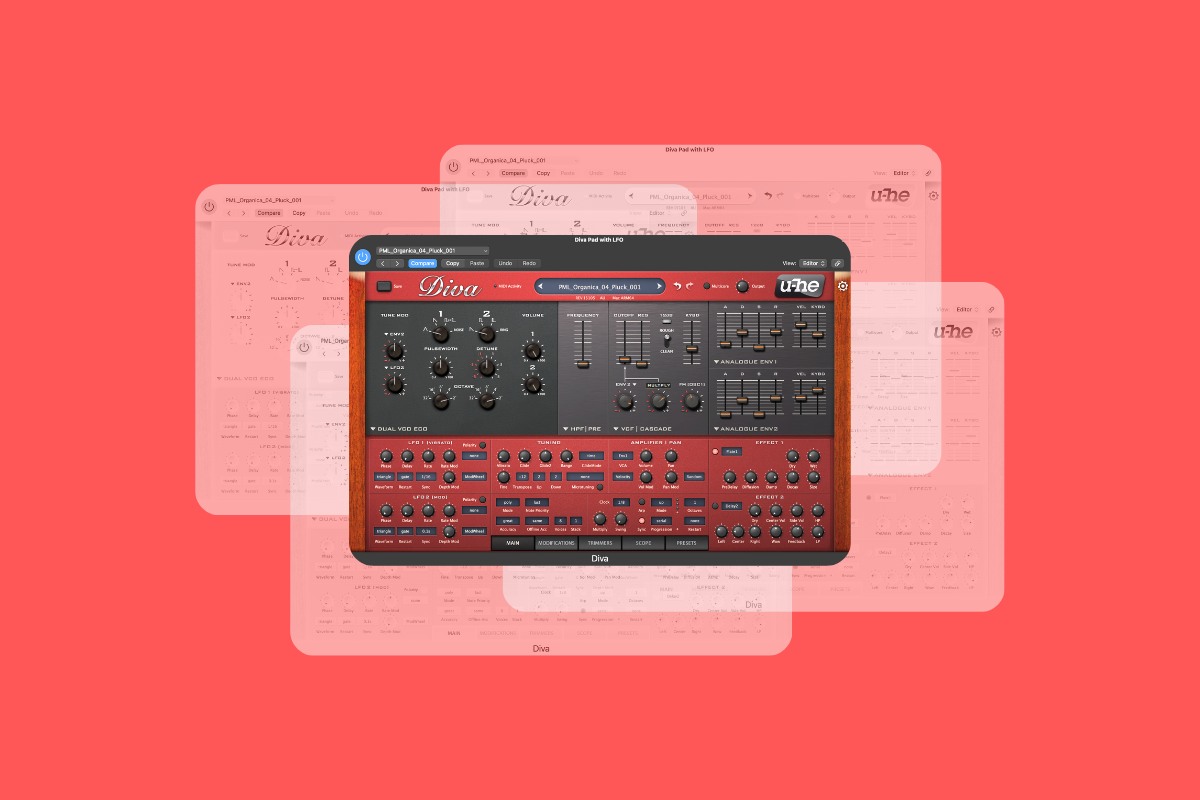
So what makes Diva so special? In this U-he Diva review, I’m going to cover the key things to know about Diva, discuss some of the pros and cons, and also just explain why it’s been such a game-changing plugin for me.
Introduction
I first came across Diva when I took Ben Böhmer’s music production course at Production Music Live. Having been a fan of Böhmer’s music for some time, I was intrigued to know a bit more about how he creates his signature sound. You can watch a short preview of this course for free on YouTube.
It became clear to me that Diva was one of the main plugins that Böhmer used when producing some of my favourite tracks of his, so it didn’t take long to convince me to buy it and give it a go.
I have to admit that I’m still a rookie when it comes to sound design and synthesisers. However, there was something about Diva that instantly captivated me, and it’s now one of my go-to plugins that I use when producing music to release.
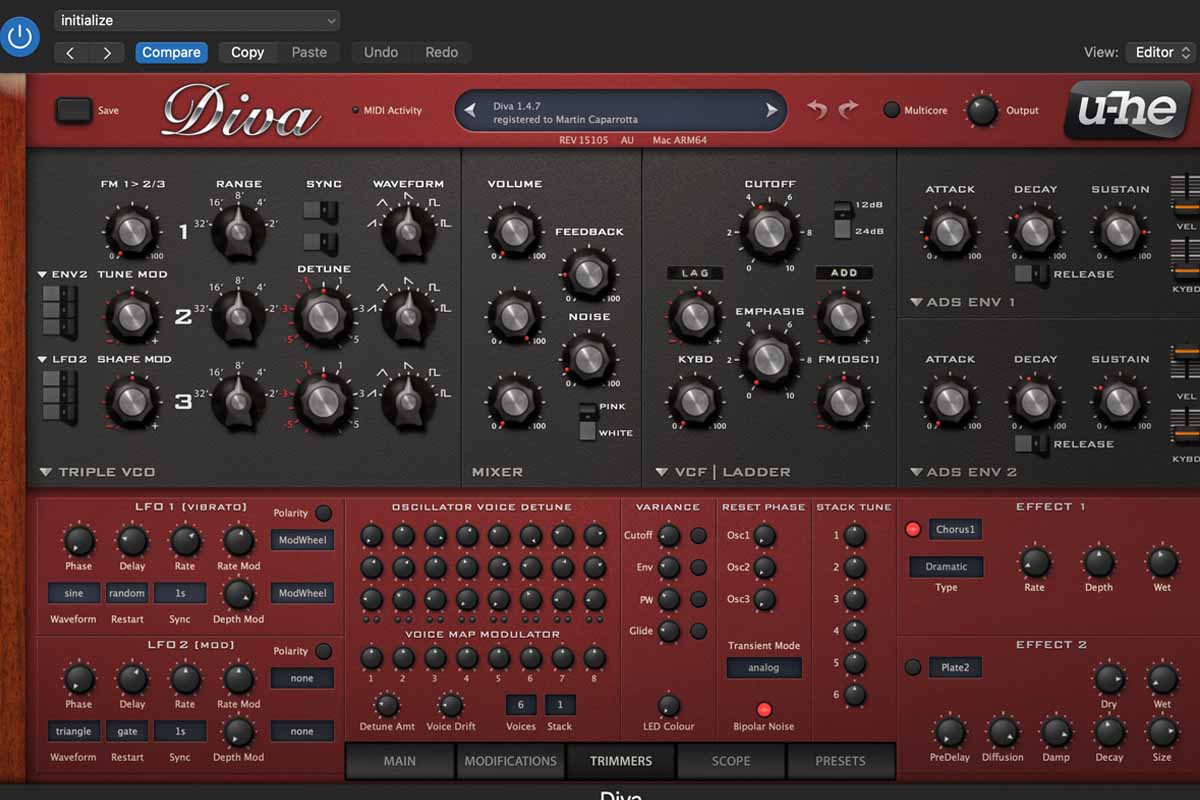
I regularly use Diva for the basslines and melodic synths in my tracks. It’s just a go-to plugin for me and I can’t imagine not having it!
Perhaps it’s a bit strange to talk about Diva in terms of pros and cons, after all whether you like the sound of a synth will come down to personal preference. However, I just thought I’d write about my experience if you’re in two minds about whether to buy Diva or not.
Diva pros
- Amazing unique sound — I just love the sounds Diva creates. There is something special about this plugin and even if you start off with the initial settings, the basic sound it begins with is incredible. I’ve made minor tweaks to the Init setting many times and have used the sound in my songs.
- So much to learn about — Diva has so many possibilities when it comes to sound design. I have definitely taken shortcuts by using and purchasing Diva preset packs, but I feel like there is so much to learn in terms of creating my own sounds in Diva.
- Easy to use — If you’re just using presets and tweaking things like delay and reverb, the Diva interface is really easy to use. If you want to get more into the process of designing your own sounds, it’s a little bit more complex.
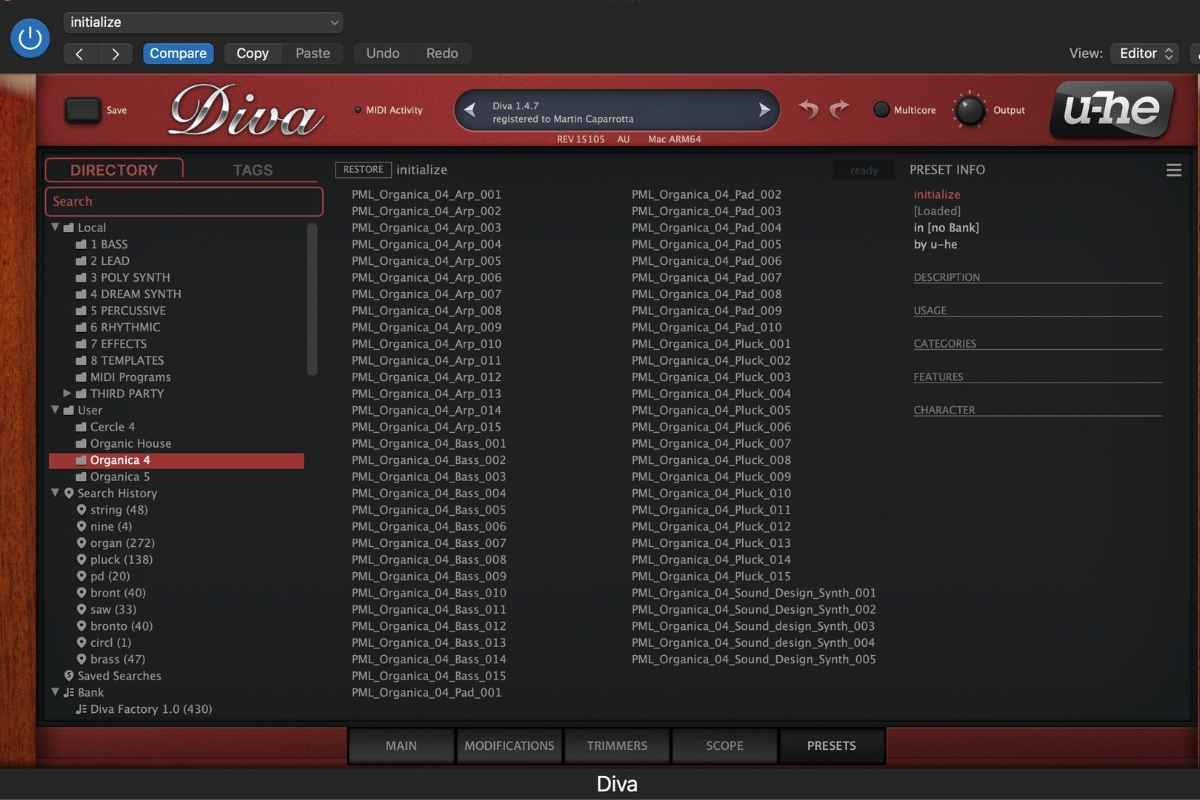
- It comes with some great presets — Diva comes with some great basic presets out of the box, many of which I’ve used in my tracks. I’ve also purchased lots of Diva presets from Production Music Live. Presets are a great starting point if you’re looking for cool sounds without having to spend time designing your own.
Diva cons
- CPU usage is no joke — Diva uses a lot of resources, and its CPU usage is pretty significant. If you’re using multiple instances of Diva in one project, you may run into CPU overloads. You can tweak the settings to minimise this, but it’s important to know about, especially if your computer is not the most powerful.
- There is a lot to learn — Yes, I know that I also included this as a positive point above, but the fact that Diva is so customisable means that it can sometimes feel overwhelming when trying to create a sound if you’re a rookie like me. This is because there are so many options and settings.
- A little bit pricey — At the time of writing this article, Diva costs €179 (about $200 or £150) if you’re shopping on the official U-he website. It’s definitely a significant investment. That being said, you can shop around and sometimes find it a bit cheaper elsewhere in sales and discount periods. For example, sites such as pluginboutique.com sometimes run their own promotions and sales, so it’s worth hunting around.
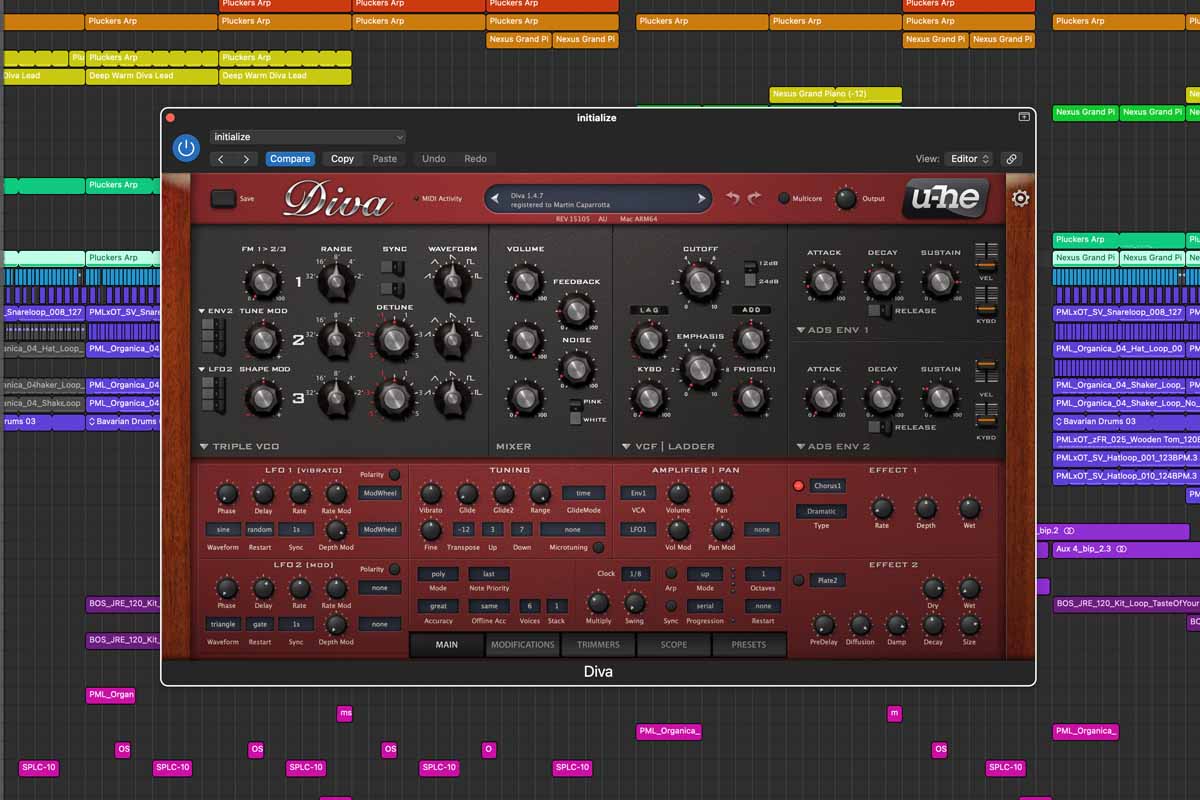
- Diva is a synth plugin that works with your DAW — It’s not standalone software, so you’ll need a DAW (such as Logic Pro or Ableton) to use it.
FAQ
Does Diva have a demo?
Yes — Diva has a demo option so you can try it in your own projects before buying. You can download it from the official Diva website. The demo version will emit a crackling sound at irregular intervals until you purchase the full version, but it’s a great place to see how Diva could fit into your productions.
Does Diva go on sale?
Possibly. If price is your main sticking point, it’s worth checking the official U-he Diva website and Plugin Boutique from time to time for the latest prices and offers.
Does Diva come with any presets?
Yes, my version of Diva came with a nice selection of presets to start with. That being said, I have also purchased preset packs from Production Music Live — these are the ones I really love and where many of the sounds featured in my productions are born.
Is Diva beginner-friendly?
It can be. If you rely on presets like I do and only tweak a few key controls, it’s very usable. Deeper sound design takes time (and I’m still learning this as I go along).
Does Diva work in Logic Pro?
Yes — I use Diva in Logic Pro myself. The main thing to bear in mind is the potential for CPU overloads if you run multiple instances of Diva or if your computer hardware isn’t powerful enough.
Is Diva worth it?
Yes. I absolutely love this plugin and it quickly became the cornerstone of all of my music production. I honestly can’t imagine making a song without using at least one instance of Diva.
If you’re on the fence, I think you can download a free demo version from the official site to test it out in some of your tracks.
My final thoughts
I love Diva so much and can’t imagine producing my melodic house and electronic tracks without it. If this is your style of music, I really recommend giving it a go.