
Waves CLA Vocals pros and cons (my honest review)
CLA Vocals was one of the first plugins I bought. Here’s what you need to know, and whether it’s still worth buying today

Are you wondering whether it’s worth taking the plunge to buy Waves CLA Vocals? I’ve owned this plugin since the early days of my music production journey, and in this Waves CLA Vocals review I’m going to cover the main pros and cons from my use of it.
Show table of contents Hide table of contents
I’m going to break down what I like about it and highlight what may be some of the potential drawbacks for certain producers, based on my own experience of using it regularly over the past few years.
Quick verdict
Waves CLA Vocals is a great option if you want to process vocals quickly without building complex vocal chains. It’s easy to use, lightweight and ideal for beginner to intermediate producers, but may feel limited if you want deep, detailed control. I still use it in many of my tracks after having bought it years ago.
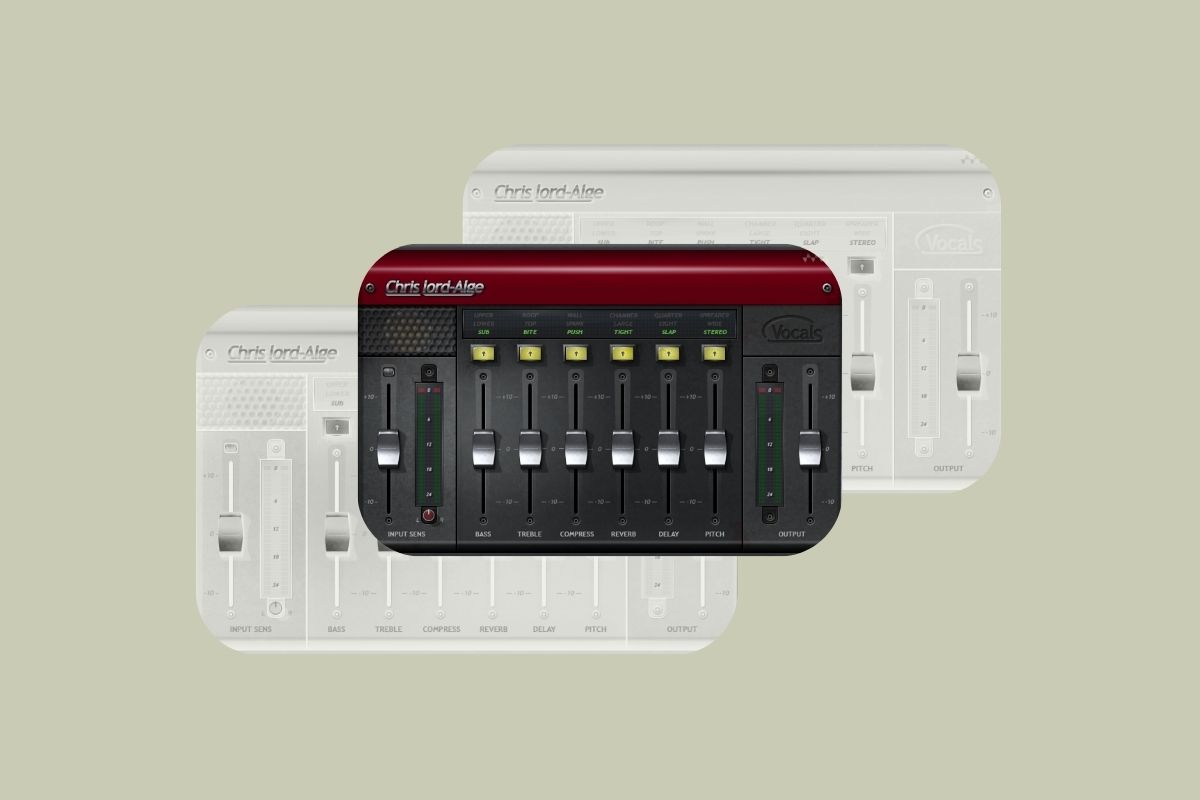
Waves CLA Vocals — introduction
“CLA” refers to Chris Lord-Alge, a legendary mix engineer and producer. Lord-Alge is a five-time Grammy Award winner and has helped to shape the sound of some of the biggest names in music, including Elton John, Green Day, and the Black Eyed Peas.
The CLA Vocals plugin is the result of a collaboration between Lord-Alge and Waves, and it’s designed to help you achieve mix-ready, professional-sounding vocals quickly.
The plugin is intentionally simple to use — it’s built around speed and simplicity rather than deep technical control. In essence, CLA Vocals is Lord-Alge’s personal vocal mixing style condensed into an easy-to-use plugin.
The pros
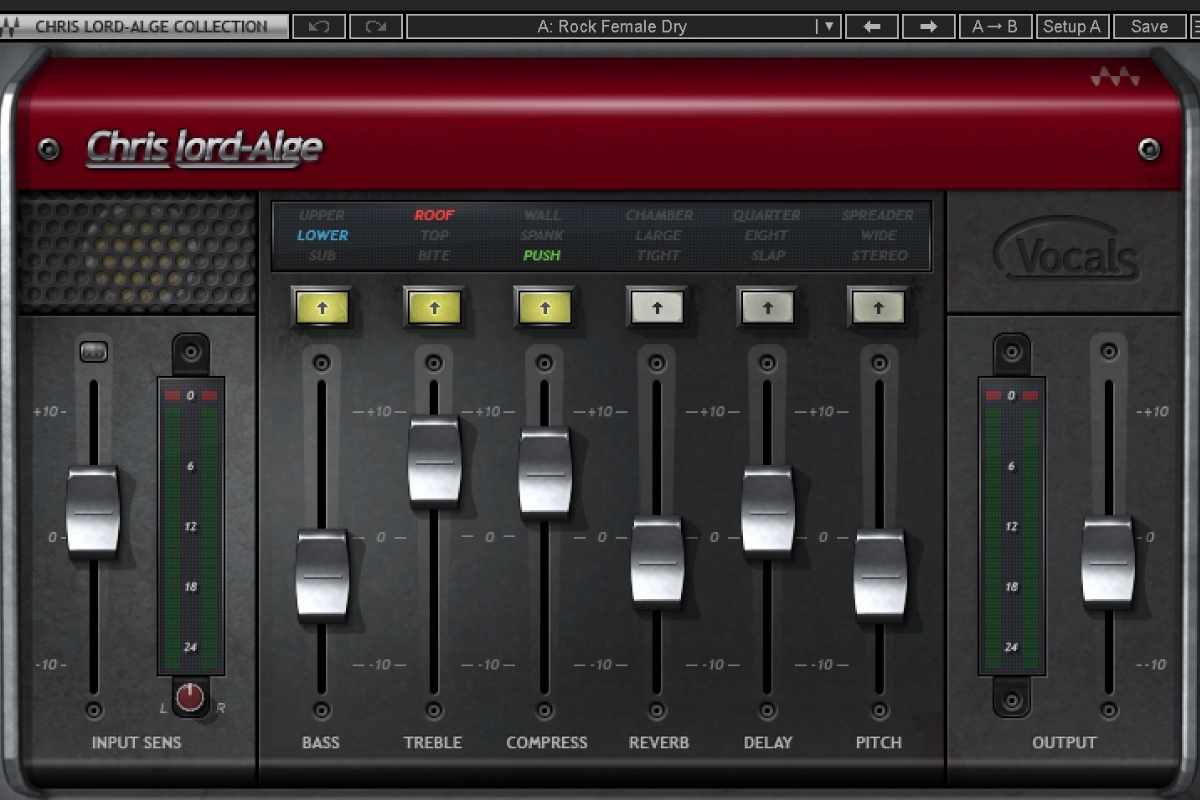
- Extremely easy to use — The plugin’s interface is super simple and straightforward. It’s very beginner friendly. It has just six main controls (bass, treble, compress, reverb, delay, and pitch), and uses simple faders rather than complex interfaces.
- Fast workflow — Because it’s so simple to use, it can help you process vocals in minutes rather than having to build a full vocal chain from scratch. I’m a music producer, not a sound engineer, so speed and simplicity are important to me.
- All-in-one vocal processing — It combines the most important vocal processing into one simple interface. This includes basic EQ shaping, compression, reverb, and delay, which makes the whole process more straightforward.
- Low CPU load — I’ve found it to be a relatively lightweight plugin that doesn’t use up too many CPU resources even when used on multiple tracks.
- Great for creative momentum — Because it’s so fast and easy to use, it’s a great plugin to reach for when you’re “in the zone” creatively. You can get vocals sounding good quickly and keep moving forward with a track, even if you plan to come back and tweak things later.
The cons
- Limited control — Because the interface is so simple, you don’t get access to detailed information such as EQ curves or compressor attack and release settings. If you want precise control over every stage of vocal processing, it may not be the best option for you.
- Easy to over-process vocals — It can be tempting to push the faders too far (I’ve done this plenty of times!) and over-process vocals. This isn’t ideal if you’re aiming for natural-sounding vocals.
- Less suited to advanced producers or engineers — This is probably not the plugin for you if you want to build complex and detailed vocal chains.
- It’s a bit old school — It’s simple and straightforward, but it also lacks some of the modern features and flexibility that newer vocal plugins may offer.
How I use CLA Vocals
I first came across CLA Vocals early on in my music production journey, after being introduced to it while taking Kygo’s music production course on Studio.com. Kygo used it to add reverb and other subtle processing to vocals for vocal chops, which is why I originally bought it. Since then, I’ve found myself using it regularly as a quick and easy way to add clean-sounding reverb to vocals.
I mainly produce melodic house music, which often includes vocal chops, and I almost always use CLA Vocals for adding reverb and some basic EQing to vocal chop tracks.
CLA Vocals also comes with a great selection of presets, which can make your workflow even faster. You can start with a preset you like the sound of and make small tweaks from there, rather than building everything from scratch.

Price and where to buy
You can buy Waves CLA Vocals directly from the official Waves website, but I also recommend checking out Plugin Boutique as another option.
Plugin Boutique offers a huge range of plugins and VSTs and regularly runs sales and discounts. They also have bundle deals, and a “Virtual Cash” reward scheme which can earn you money off future purchases. If you’re thinking of buying CLA Vocals, check the present price on Plugin Boutique — it’s sometimes discounted.
CLA Vocals vs Silk Vocal
Silk Vocal is another plugin from Waves and is described as a “smart EQ and dynamics processor” for vocals.
I want to be transparent upfront and say that I haven’t personally used Silk Vocal, so this isn’t a hands-on comparison in the same way as my own experience with CLA Vocals. That said, it’s still a useful comparison to make, as these two plugins are sometimes considered together as vocal processing options.
As I covered above, CLA Vocals is very much about speed and simplicity. It’s designed to get vocals sounding mix-ready quickly and easily, using only a small number of faders, and it’s based on Lord-Alge’s personal mixing style.
Silk Vocal, on the other hand, is focused more on guided vocal processing. It features a more modern user interface and can detect problem resonances, applying processing to help reduce boominess, harshness, and sibilance.
Overall, it appears to have a more modern and technical approach than CLA Vocals, so it may be a good option if you’re looking for a more contemporary vocal plugin.
My final thoughts
That brings us to the end of my review of Waves CLA Vocals. Overall, I rate it as a great plugin if you’re looking for a way to quickly process vocals without building complex vocal chains.
Because of its simple interface, it’s also a great option for producers who are just starting out on their music production journey. It works well as a “set it and forget it” vocal plugin when speed matters. That said, if you’re more advanced and looking for a vocal processing plugin with deeper control and more features, it may not be the best fit. Overall though, I think it’s a great option.