
How to move your music to DistroKid (my experience)
After moving all of my releases to DistroKid in 2024, I share my experience of the switch and the key things I learned along the way

Are you thinking about joining DistroKid from another distributor? If so, you’re in the right place. I joined DistroKid in 2024, and one of my main questions at the time was how to transfer my existing music releases from my previous distributor (in my case, SoundCloud for Artists).
Show table of contents Hide table of contents
Having moved all of my music to DistroKid last year, I’ve got first-hand experience of the process — how it works, how long it takes, and some things to look out for. In this article, I’m going to share the main things I learned while moving my music to DistroKid, based entirely on my own experience.

Important context before starting
This article is based purely on my personal experience and shouldn’t be taken as legal or professional advice. Distribution policies can change, so it’s always a good idea to check directly with your distributor and DistroKid before making any changes.
I should also point out that I didn’t have that many songs to transfer when I made the switch — it was about 10 or so — so the overall risk of something going wrong for me was quite low. However, whether you’re moving a large catalogue or not, I strongly recommend contacting the support teams of both your existing distributor and DistroKid for clarification on how the transfer works before starting the process.
What I did before starting
Before starting, there were three things I made sure to do first.
The first was backing up all of the information about my music that was uploaded via my existing distributor. This is just good practice. I backed up everything myself — the audio files, all of the metadata (song names, album names, album artwork, ISRC codes — everything). This ensured that I still had copies of everything in the unlikely event that something went wrong.
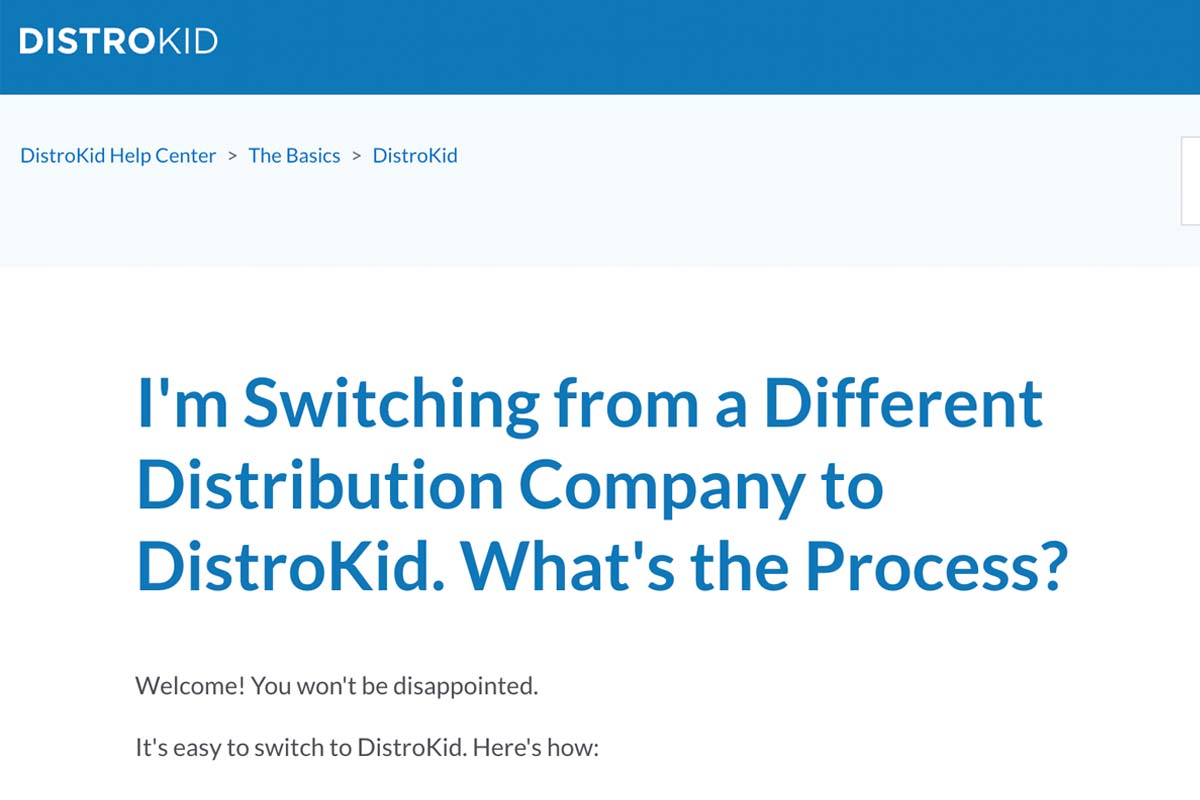
The second thing I did was familiarise myself with the relevant help article on the DistroKid website. At the time I made the switch, this article outlined the key steps required when moving music to DistroKid from another distributor.
Thirdly, before starting the process of moving my existing releases to DistroKid, I carefully read the terms and conditions and distribution agreements of both my existing distributor and DistroKid. Every distributor has different legal agreements and processes, and if I’d been unsure about how the switch would work, I would have reached out to my existing distributor and DistroKid for clarification before proceeding.
Moving my music
Essentially, moving my music to DistroKid from another distributor required two steps:
- Uploading the music I wanted to move to DistroKid
- Asking my existing distributor to remove the same music I wanted to move to DistroKid
Obviously, to get started, I needed to have a DistroKid account. Once I’d signed up and chosen the plan that suited me, I was able to start uploading my existing releases. If you’d like to join DistroKid, you can get a discount off your first year by signing up via the link below.
Once I had an account, I uploaded the releases I wanted to move across to DistroKid. Uploading to DistroKid was very easy overall, but there were a few important things I paid close attention to at this point.
Firstly, I made sure that all of the details for each release matched exactly what was listed with my existing distributor. This included all of the relevant information, such as the audio files, artist name, song titles, album titles, album artwork, and ISRC codes. It was really important that all of this information matched the existing releases on my previous distributor, as this helped ensure my music was processed correctly by streaming platforms.
When I uploaded my releases to DistroKid, I also chose to map them to my existing artist profiles on Spotify and some other supported stores. This ensured that my music was delivered to my existing profiles rather than creating new ones.
Once I was happy that all of the details were correct and the uploads were complete, the next step for me was contacting my existing distributor and asking them to take down the music I’d just uploaded to DistroKid.
At the time I made the switch, DistroKid recommended waiting until the next day before contacting my existing distributor to request the takedown, which is what I did.
For me, the process for getting my existing distributor to remove my music involved contacting their support team and explaining that I was moving my releases to another distributor. The exact process will vary depending on the distributor you’re using.
Once that request had been processed and the removal had taken place, my music was then live on streaming platforms through DistroKid.
Things I noticed during the switch
While everything went smoothly for me overall, I did notice a couple of things during my switch to DistroKid. Your experience may differ, but these are worth bearing in mind.
Firstly, I had duplicate releases on my Spotify profile for a couple of days. Each track was essentially listed twice. I believe this happened because it took SoundCloud for Artists some time to process my request and remove my music. After a short period of time, this resolved itself automatically.
Secondly, some data in my Spotify for Artists profile was missing at first. While the total stream counts for my most popular songs remained visible on my public Spotify profile after the switch, some of the more detailed data (such as sources of streams, playlist adds, and streams per listener in Spotify for Artists) disappeared temporarily. However, this data later reappeared in my Spotify for Artists account, so I’m not sure whether this was just a bug or temporary issue.
Separately, DistroKid also state that it’s possible you may lose reviews on iTunes and Amazon during the process, so it’s worth bearing this in mind as well. In the help article, DistroKid also say that they can’t guarantee that your play counts and playlist placements will transfer over, as it’s handled by the individual stores rather than them.
How long it took for me
I can’t speak for other artists — but for me, it took about a week for the process to complete. The exact timeframe will depend on how quickly DistroKid delivers your music to stores and how quickly your existing distributor processes the takedown request.
Is there anything else I’d bear in mind?
If moving your existing music to DistroKid sounds like it would be too much hassle for you, or if ensuring that your stream counts and playlist placements remain intact is really important to you, then perhaps switching distributors is not the best idea.
You could leave your existing music with your present distributor and then choose to only upload your new music using DistroKid. The downside of this, though, is that you’ll essentially have to pay for two different distributors.
My final thoughts
That brings us to the end of this article, and I hope you’ve found it useful.
Overall, moving my music to DistroKid from another distributor was a fairly straightforward process for me, but there are some important things to bear in mind before getting started.
Backing up all of my music and metadata was essential, and I also made a point of checking directly with my existing distributor and DistroKid for clarification on how the process worked before starting.
I did temporarily see duplicate releases on my Spotify profile while the switch took place, but in my case this only lasted a few days before resolving itself.
Overall, I’ve been really happy since making the decision to switch to DistroKid. If you’re considering doing the same, you can get a discount off your first year by signing up through the button below.